Scheduled Firebase Functions to automate routine tasks
Posted on
Guide to triggering Firebase Functions based using the Google Cloud Scheduler, checking for values within Firestore Documents.
- Enable Google Scheduler API
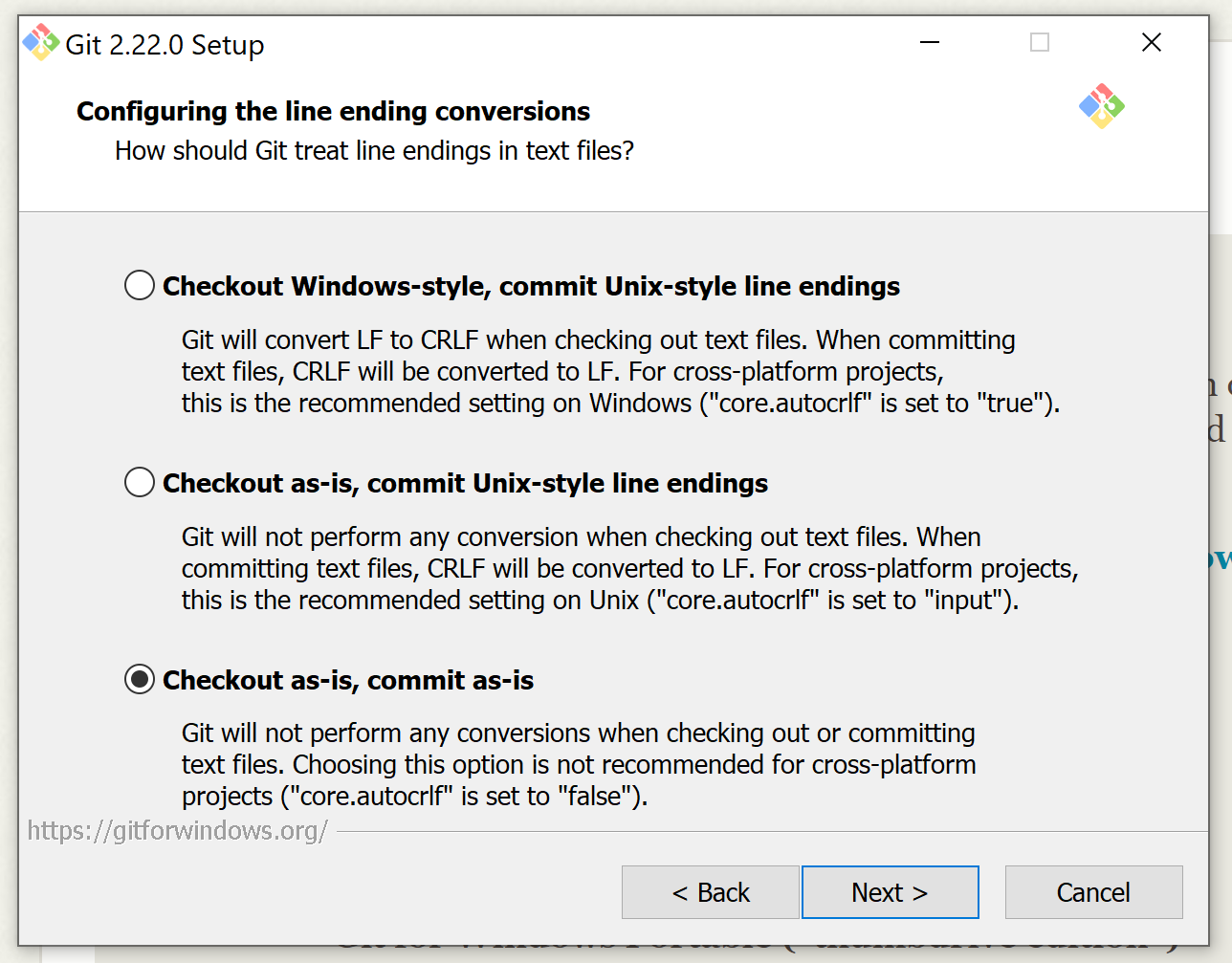
git config --global core.autocrlf false
from Git Console or when install Git:
- Develop Firebase Function
git rm --cached -r .
git reset --hard
from Git Console from the root of your project
- Configure Google Cloud Scheduler within the Firebase Function
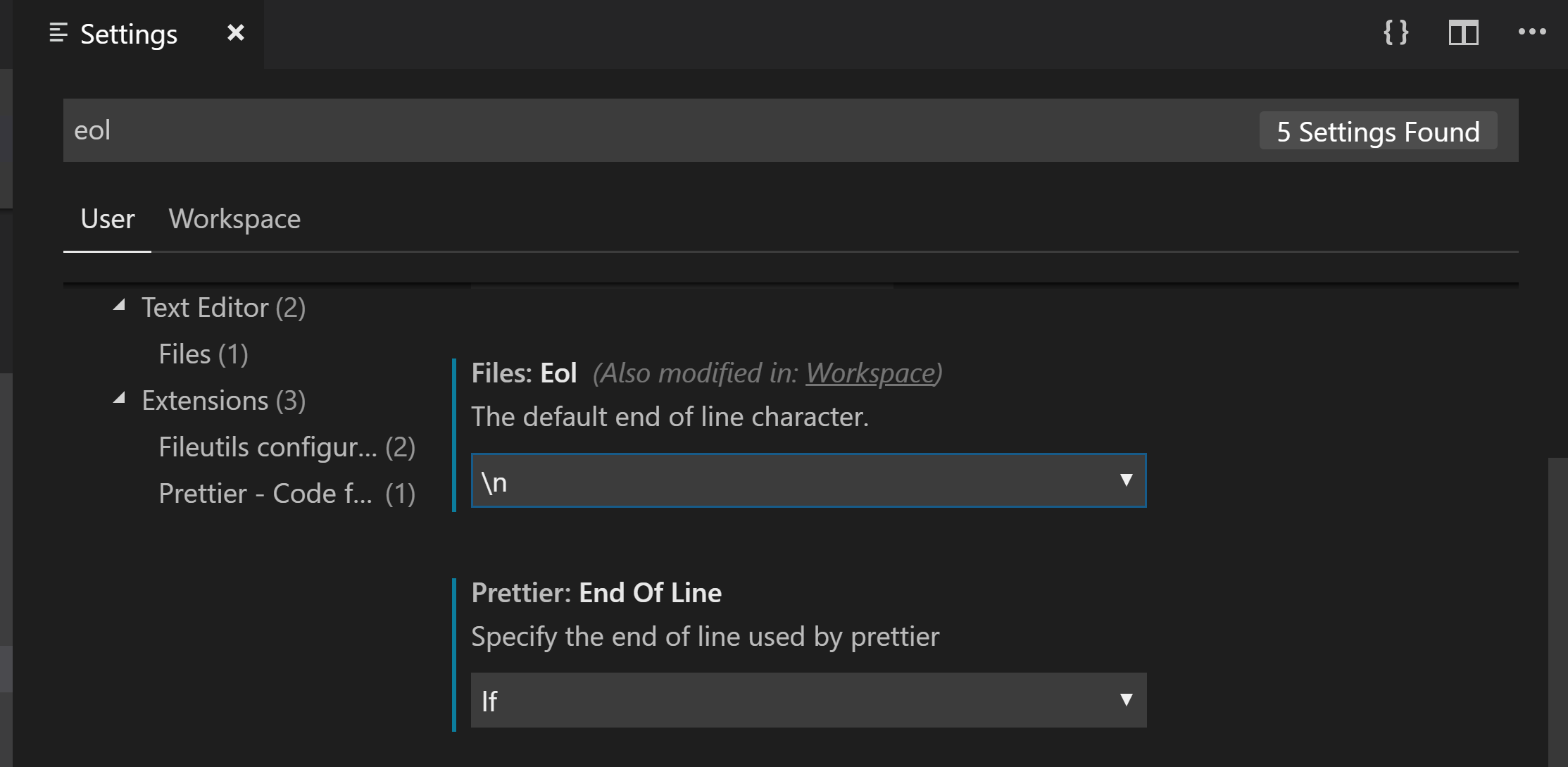
- Create
.gitattributesat the root folder:
# Set the default behavior, in case people don't have core.autocrlf set.
* text eol=lf

# Explicitly declare text files you want to always be normalized and converted
# to native line endings on checkout.
*.c text
*.h text

# Declare files that will always have CRLF line endings on checkout.
*.sln text eol=crlf

# Denote all files that are truly binary and should not be modified.
*.png binary
*.jpg binary